Blacklight
Mutation
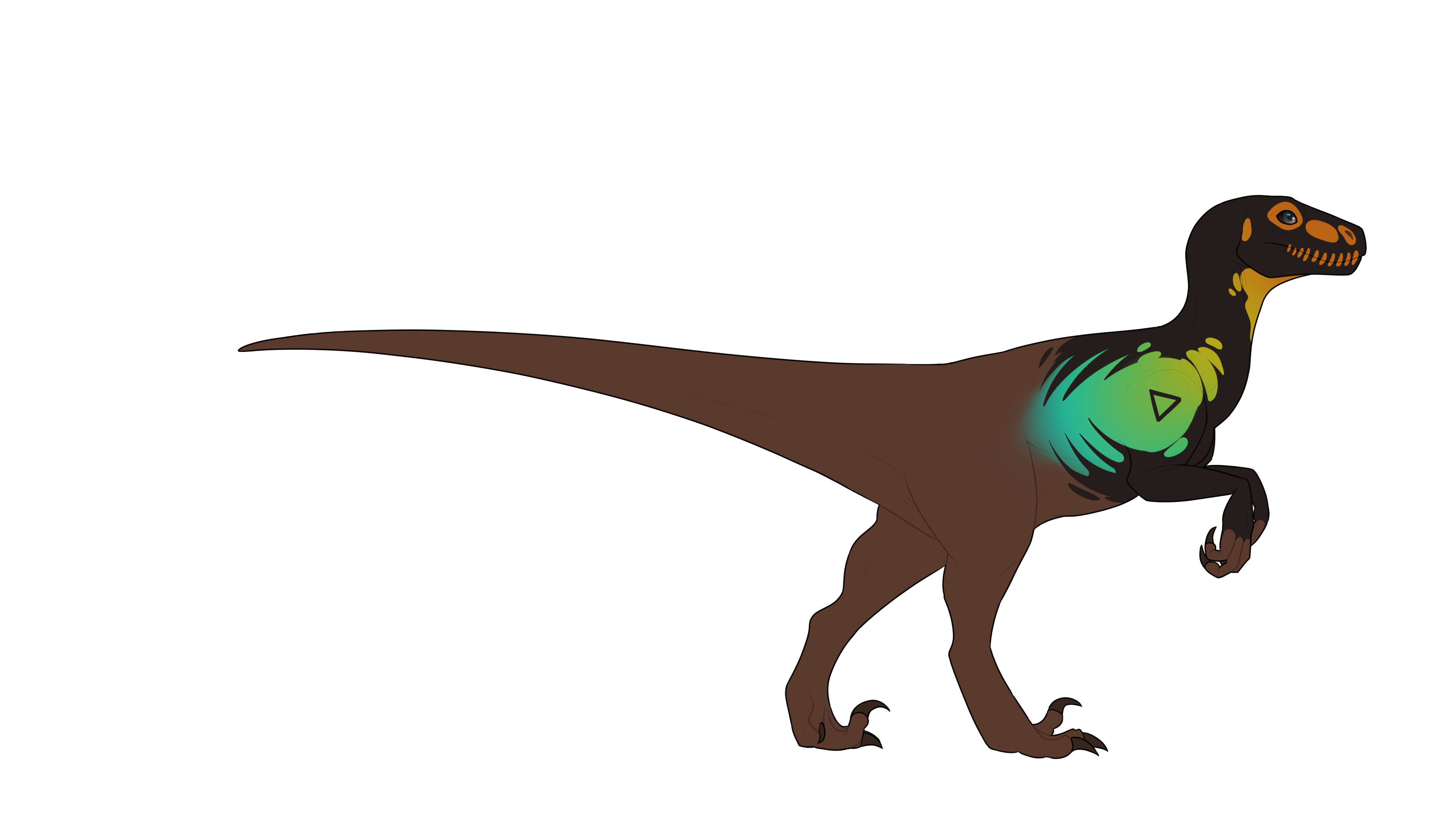
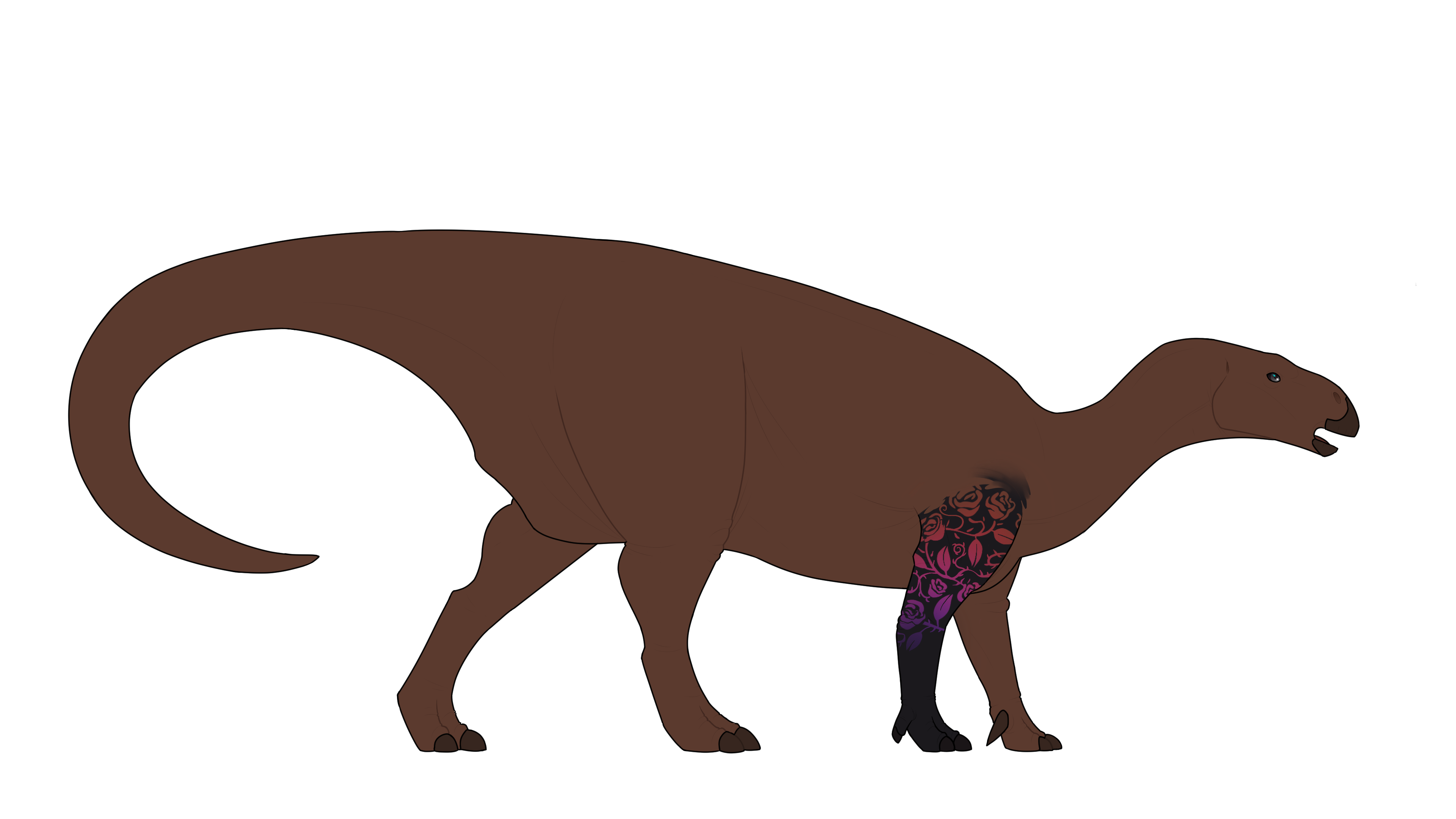
Click the Images to enlargen!
GENE INFORMATION
Blacklight overrides the colors of an animal, appearing black at day and colorful at night.
COLOR RULES

EDGE TYPES
Blacklight genes follow the edge rules of the genes present on the Genotype.
EXPLANATION AND RULES
Blacklight will render your dinosaur's base black or off-black in color.
It will also affect keratin and flesh areas if you choose not to color them with the Blacklight swatch.
These are the two swatches you may use for your animal's base color!
You do not necessarily need to pick from them as long as your chosen color is no brighter or darker than
what's shown and still appears black.
This is your Import's daytime form.
Once you have your base color set, you may start adding the genes from your animal's genotype.
All genes will follow their normal rules except for their color rules which must be picked from the Blacklight swatch.
This is your Import's nighttime form.
Blacklight will override your gene's colors, which must now be picked from the swatch above.
Important! The following genes and modifiers do not show with blacklight:
Pigment, Bi-Color, Graying, Vibrant, Rainbow, Prismatic, Leucism, Melanism.
Albino, Erythrism and Xanthism will override Blacklight.
White and Black markings like Piebald and Hollow are also overriden, same with free genes like Minimal White and Black.
You may optionally choose to color in flesh, keratin and free feather/fur areas with the Blacklight color swatch.
This is then visible both in the day- and nighttime form.
Genes may optionally present with a subtle glow, but this must be faint enough to not mimic Luminescent!
[Example Image]
Another optional thing you may do for your Import's daytime form is to add a subtle halo outlining the
base of the dinosaur like in the example above.
This also shows on the nighttime form.
Important: Make sure to save a .psd for both the base version and the version with genes added,
as both are required for design approval!
PLAYER OWNED EXAMPLES
None yet!